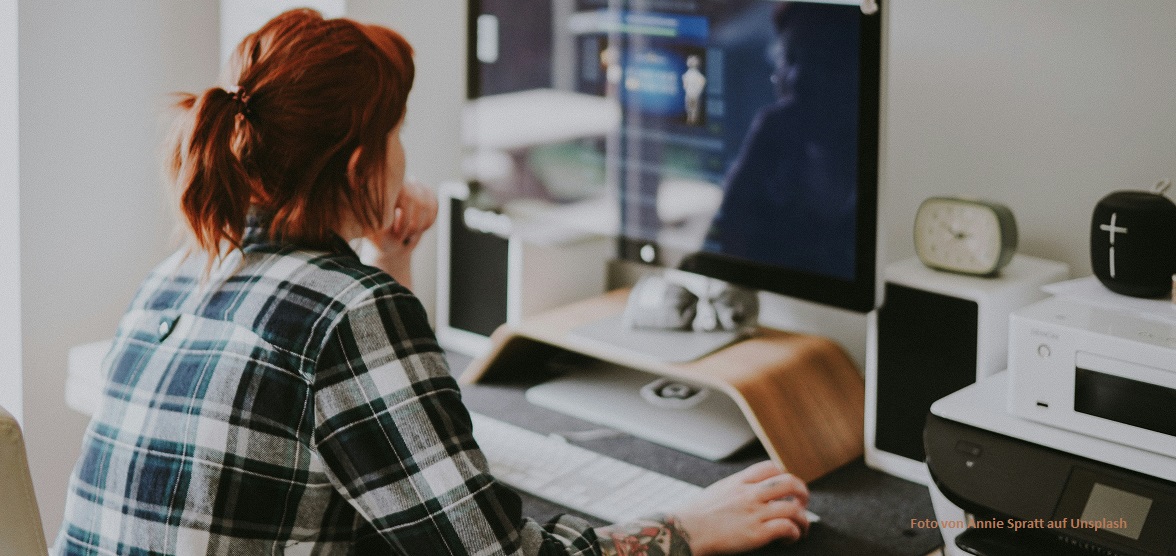
In my work, I encounter many individuals grappling with excessive screen time. For some, it hampers focus, induces stress, and disrupts sleep patterns. Recently, a client even suffered regular tension headaches from prolonged screen exposure.
While we may not always control screen time during work hours, acknowledging our tendency to spend leisure time glued to screens is crucial. Many recognize the benefits of disconnecting from the digital realm.
In this blog post I want to offer you a few more creative ways through which you can decrease the overall time you spend looking at screens:
Emails
One of the reasons many of my clients spend their days feeling “on” all the time, which makes them feel stressed and fatigued is their constant attendance to emails. Do you know how often you check your inbox every day? If you are unsure, I suggest you count the amount of times, and the time it takes for you to check your emails for a few days. You might notice, that like so many, you spend more time looking at and responding to emails, than you thought.
One way to decrease the amount of time checking your emails is to empty it. I mean completely. Yes, that idea sounds quite crazy. Most of us have inboxes holding thousands of emails. It doesn’t sound feasible.
However, many who practise “inbox zero” notice that they spend a lot less time with emails and that they feel less overwhelmed and more in control when they do look into their inbox.
You don’t have to sit down to get to zero today, unless you really want to! Instead, how about taking 10 minutes for the next couple of days that you spend going through your inbox and deleting old and unnecessary emails, unsubscribing to unnecessary newsletters, archiving the ones you need, and snoozing the ones you need to attend to at a later time (I only recently learned about this, and it got me really excited (Hey, I never said I was a thrill-seeker)).
Additionally, you can consider changing the settings on your email app on your phone to only download new emails certain times during the day. This will over time teach you not to look at your inbox whenever you have a break between tasks, because the satisfaction of finding new emails in your inbox will be absent.
Notifications
You’ve probably heard of Pavlov’s dog and its response to hearing the bell. But did you notice you are probably behaving not unlike that dog when it comes to notifications? If you are still doubtful, observe what happens when you hear the sound of an incoming message or see the red dot next to an app on your phone, indicating something similar. You might not be drooling, but you are likely to open the app or program to look at what the notification is about…
So what I am saying is, that unless you take back control of these apps and notifications, your attention is, at least to an extent, controlled by them.
Here is what you can do about it:
Open up the notifications settings in each of these programs and adjust them to settings that better reflect the kind of person you would like to be. For example “I don’t want to spend over three hours per day on Instagram.”
I know that we need to be aware of certain notifications (e.g. work email, during work hours, our phone ringtone for emergencies etc.), so I get that for most people turning all notifications off is not possible. But you might be able to work with focus time options at work, when you want to get things done (these often turn off notifications for the duration that you are “busy” on your calendar in services like Teams).
Phone and email times
Many places like doctor’s or public offices are not answering phone calls all the time, instead they have certain times during which you can call, so called “phone times”. If you often get distracted from tasks due to incoming calls and instant messages, you might want to consider implementing phone times for yourself.
It might take a while, before your environment adjusts to the change, but over time they will. Clear communication is key here and I would suggest talking about this with your supervisor or manager to get the “o.k.” before you implement them. The advantages might help you “sell” the idea, as fewer distractions and less “task switching cost” can make you a more effective employee.
The same could be applied to how often you reply to emails (see above).
TIP: If you know you are allowed to implement phone times, you could add this information to your email signature “Phone number xxxxxxxxxx Mo – Fr 10 am – 2 pm” or more informal “If you want to catch me, you are more likely to do so Mo – Fr 10 am – 2 pm”. This can help to manage expectations and might save you from having to tell every one of your contacts yourself.
Limiting availability to yourself
So far, I’ve been speaking mostly about external factors that make it difficult to keep away from screens. There are however also internal factors that make us reach for our phones more often than we need. We often look at our phones because it is stimulating. Looking at instagram or tik tok is downright addicting. There are some apps that can help you decrease the time you are able to access specific apps.
Apps like “stay free” allow you to set time limits for certain apps. When the time limit is reached, the app screen is covered by a screen and you are no longer able to access it until the next day.
An app called “one sec” gives you time to consider before allowing you to open the app.
Finally, you might want to experiment with times on the regular when you just don’t have access to your phone. Many recommend having a real alarm clock, instead of using your phone and leaving the phone outside of the bedroom.
Another idea is to lock your phone away for a day or the weekend every now and then and see how you feel.
Ready to take back control of your screen time and prioritise your mental well-being? Share your thoughts and additional ideas in the comments below or reach out to start working on this or other issues with me.
Photo by Annie Spratt on Unsplash
 Margaretha Madoures